Virtual Learning Platforms 2026: A Comprehensive Comparison for Remote Education

Comparing Virtual Learning Platforms: A 2026 Analysis for Effective Remote Education
The landscape of education has undergone a profound transformation, with virtual learning becoming not just an alternative but a cornerstone of modern pedagogy. As we navigate 2026, the demand for robust, intuitive, and feature-rich virtual learning platforms continues to escalate. Educators, institutions, and learners alike are seeking the most effective tools to facilitate engaging, accessible, and impactful remote education experiences. This comprehensive analysis aims to dissect the leading virtual learning platforms available today, providing insights into their strengths, weaknesses, and ideal use cases to help you make informed decisions.
The shift towards digital classrooms has brought with it a myriad of technological advancements. From AI-powered personalized learning paths to immersive virtual reality environments, the capabilities of virtual learning platforms are continuously evolving. Understanding these nuances is crucial for fostering an environment where learning transcends physical boundaries and embraces the full potential of digital innovation. Whether you’re a K-12 educator, a university professor, a corporate trainer, or an independent course creator, selecting the right platform is paramount to your success and the success of your learners.
The Evolution of Virtual Learning Platforms: A 2026 Perspective
The journey of virtual learning platforms has been remarkable. What began as simple content management systems has blossomed into sophisticated ecosystems designed to support every facet of the educational process. In 2026, we observe several key trends shaping these platforms:
- Enhanced Personalization: AI and machine learning are no longer novelties but integrated components that adapt content, pace, and assessment to individual learner needs.
- Seamless Integration: Platforms are increasingly designed to integrate with a wider array of third-party tools, from productivity suites to specialized educational software, creating a unified digital learning environment.
- Focus on Engagement: Gamification, interactive simulations, and collaborative tools are being prioritized to combat learner isolation and foster active participation.
- Accessibility and Inclusivity: Universal design principles are at the forefront, ensuring platforms are usable by individuals with diverse needs, including those with disabilities.
- Data Analytics for Insights: Advanced analytics provide educators with deeper insights into learner performance, engagement patterns, and areas for curriculum improvement.
These trends highlight a move towards more intelligent, interconnected, and human-centric digital learning spaces. The best virtual learning platforms of 2026 are those that master these elements, offering a holistic and adaptive educational experience.
Key Features to Look for in Virtual Learning Platforms
When evaluating virtual learning platforms, a standardized set of features should be considered to ensure the platform meets your specific educational goals. Here are the critical components:
User Interface and Experience (UI/UX)
An intuitive and user-friendly interface is non-negotiable. Both educators and learners should be able to navigate the platform with ease, without a steep learning curve. A clean design, logical layout, and responsive performance across various devices (desktops, tablets, smartphones) contribute significantly to a positive user experience. Cluttered interfaces or complex workflows can lead to frustration and disengagement.
Content Management and Delivery
Effective virtual learning platforms offer robust tools for uploading, organizing, and delivering diverse content types, including videos, documents, presentations, and interactive modules. Features like SCORM and xAPI compliance are important for tracking learning progress across different content formats. The ability to create rich, multimedia-infused lessons directly within the platform is also a major advantage.
Communication and Collaboration Tools
Remote learning can sometimes feel isolating. Therefore, integrated communication tools like discussion forums, chat functions, and live video conferencing are essential. Collaborative features such as shared document editing, group projects, and virtual whiteboards foster interaction and peer-to-peer learning, replicating the dynamic of a physical classroom.
Assessment and Grading
A comprehensive assessment suite is vital. This includes various quiz types (multiple choice, true/false, essay), assignment submission portals, peer review options, and robust grading tools. Automated grading for certain question types can significantly reduce educator workload, while detailed feedback mechanisms enhance the learning process. Progress tracking and reporting features also help monitor student performance effectively.
Analytics and Reporting
Data-driven insights are invaluable for optimizing learning outcomes. Top virtual learning platforms provide detailed analytics on learner engagement, performance, completion rates, and areas of difficulty. These reports help educators identify at-risk students, refine course content, and measure the effectiveness of their teaching strategies.
Integrations and Extensibility
No platform exists in a vacuum. The ability to integrate with other essential tools – such as Student Information Systems (SIS), Customer Relationship Management (CRM) systems, payment gateways, and third-party content providers – is crucial for creating a cohesive educational ecosystem. Open APIs and a marketplace for plugins or extensions signify a platform’s flexibility and future-proofing.
Security and Privacy
With sensitive data being handled, robust security measures are paramount. This includes data encryption, secure login protocols (e.g., multi-factor authentication), compliance with data privacy regulations (e.g., GDPR, FERPA), and regular security audits. Protecting learner data and ensuring a secure learning environment builds trust and credibility.
Top Virtual Learning Platforms in 2026: A Detailed Comparison
Now, let’s dive into some of the leading virtual learning platforms that are making waves in 2026, examining their core offerings and who they best serve.
1. Canvas LMS
Canvas by Instructure remains a dominant force in the educational technology sector, particularly in K-12 and higher education. Its strength lies in its user-friendly interface, robust feature set, and extensive integration capabilities.
- Strengths: Highly customizable, excellent mobile app, extensive third-party integrations (LTI), strong community support, comprehensive grading tools, powerful analytics. Its SpeedGrader is a favorite among educators.
- Key Features: Modules for content organization, rich content editor, discussion boards, quizzes (New Quizzes offers advanced question types), collaborations, peer reviews, analytics dashboards, and a robust API.
- Ideal for: K-12 schools, universities, and large educational institutions seeking a scalable, flexible, and feature-rich LMS.
- Considerations: Can be overwhelming for new users due to its vast feature set; requires dedicated training for full utilization.
2. Blackboard Learn Ultra
Blackboard Learn, a long-standing player, has significantly evolved with its Ultra experience, offering a more modern and streamlined interface. It’s known for its reliability and comprehensive suite of tools for academic environments.
- Strengths: Robust security, strong accessibility features, comprehensive assessment tools, integrated collaboration tools (Blackboard Collaborate), and enterprise-level support.
- Key Features: Simplified course navigation, responsive design, smart views for grading, performance dashboards, virtual classroom tools, and integration with various academic resources.
- Ideal for: Large universities and institutions that require a highly secure, compliant, and integrated learning ecosystem.
- Considerations: Ultra experience is a significant improvement, but some legacy aspects can still feel dated compared to newer platforms. Pricing can be a barrier for smaller organizations.
3. Moodle
As the world’s most popular open-source LMS, Moodle continues to be a go-to choice for organizations seeking flexibility and cost-effectiveness. Its community-driven development ensures continuous innovation and a vast array of plugins.
- Strengths: Highly customizable, open-source (no licensing fees), massive global community, extensive plugin ecosystem, strong pedagogical tools, and robust security.
- Key Features: Activity modules (forums, quizzes, assignments), resource types (files, pages, URLs), gradebook, messaging, calendar, and a wide range of third-party plugins for added functionality.
- Ideal for: Educational institutions (all levels), corporate training, and individual educators who value customization, control, and community support, and have the technical resources to manage it.
- Considerations: Requires technical expertise for setup and maintenance; UI/UX can feel less modern out-of-the-box compared to commercial alternatives, though themes can mitigate this.
4. Google Classroom
Google Classroom has gained immense popularity for its simplicity and seamless integration with Google Workspace (formerly G Suite). It’s particularly strong in K-12 education and for organizations already heavily invested in Google’s ecosystem.
- Strengths: Extremely easy to use, integrates perfectly with Google Docs, Sheets, Slides, and Meet, free for educational institutions, excellent for collaboration on assignments, and strong mobile experience.
- Key Features: Assignment creation and distribution, grading tools, announcements, class discussions, integration with Google Drive for file storage, and Google Meet for video conferencing.
- Ideal for: K-12 schools, individual teachers, and smaller organizations looking for a straightforward, cost-effective solution deeply integrated with Google services.
- Considerations: Lacks some advanced LMS features found in dedicated platforms (e.g., complex quizzing, detailed analytics, extensive course design tools).
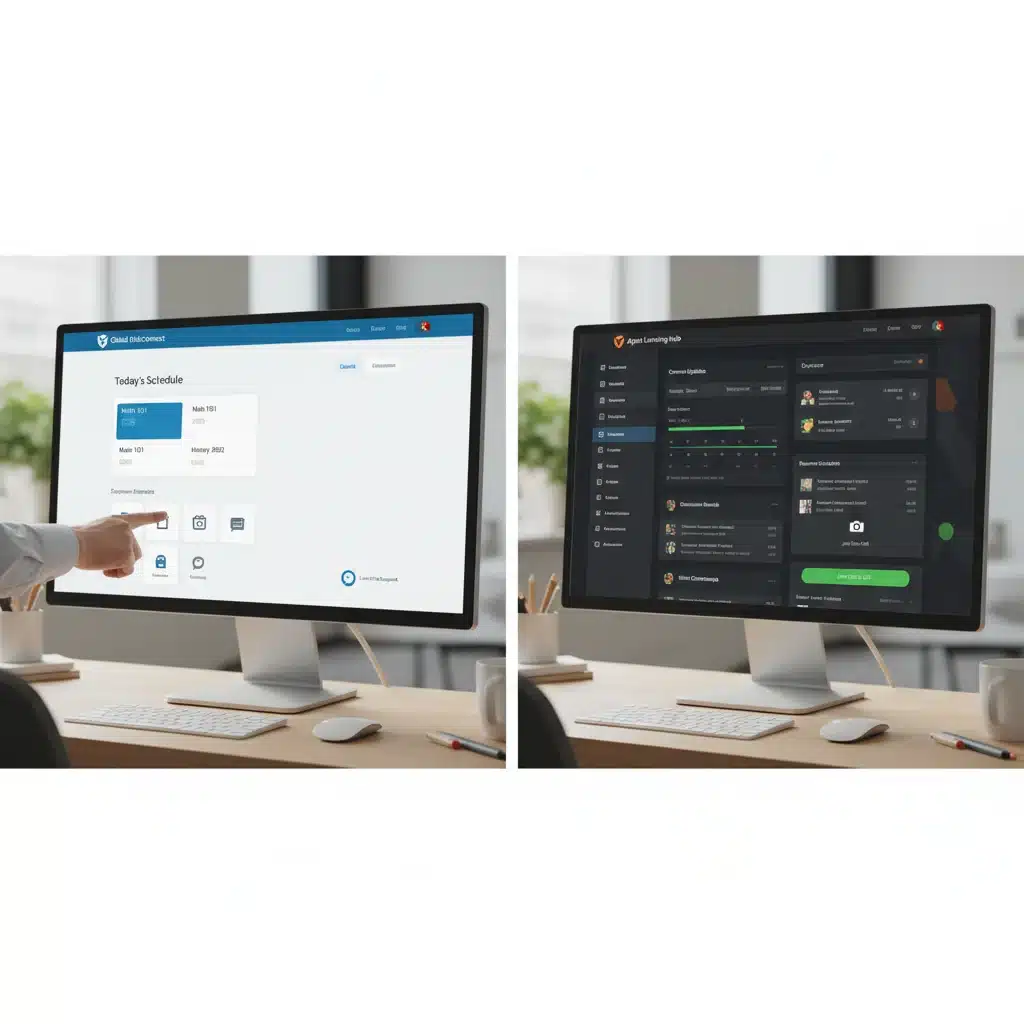
5. Microsoft Teams for Education
Leveraging the power of Microsoft 365, Teams for Education provides a hub for collaboration, communication, and learning. It’s a strong contender for institutions already using Microsoft’s suite of productivity tools.
- Strengths: Deep integration with Microsoft Office 365 apps (Word, PowerPoint, Excel, OneNote), robust video conferencing (Teams meetings), file sharing, and collaborative workspaces. Strong security and compliance.
- Key Features: Class Notebooks (OneNote integration), assignments, grades, chat, channels for different subjects/groups, virtual meetings with features like breakout rooms and recording.
- Ideal for: Educational institutions that are heavily invested in the Microsoft ecosystem and seek a unified platform for communication, collaboration, and learning management.
- Considerations: While powerful for collaboration, its LMS features are still evolving and might not be as comprehensive as dedicated platforms like Canvas or Blackboard for complex course structures.
6. Edmodo
Edmodo functions as a social learning network for teachers, students, and parents. It aims to make learning more engaging through a familiar social media-like interface.
- Strengths: User-friendly interface, strong communication features, parent integration, resource sharing, and a focus on community building.
- Key Features: Posts, assignments, quizzes, polls, gradebook, direct messaging, and a library for resources.
- Ideal for: K-12 educators looking for a simple, social platform to manage classroom activities and communicate with students and parents.
- Considerations: Less robust in terms of advanced LMS features and integrations compared to enterprise-level platforms.
7. Thinkific & Teachable
While often grouped together, Thinkific and Teachable are prominent platforms for individual course creators, entrepreneurs, and businesses looking to sell online courses. They offer robust tools for course creation, marketing, and sales.
- Strengths: Excellent course creation tools, integrated payment processing, marketing features (coupons, bundles, affiliates), website builders, and strong customer support.
- Key Features: Drag-and-drop course builders, multimedia content hosting, quizzes, certificates, student management, email marketing integrations, and custom branding.
- Ideal for: Entrepreneurs, coaches, consultants, and small to medium-sized businesses focused on creating and selling online courses and building their own learning brand.
- Considerations: Primarily focused on course selling rather than traditional academic institutional needs. Less emphasis on complex pedagogical tools or deep SIS integrations.
Choosing the Right Virtual Learning Platform for Your Needs
The best virtual learning platform isn’t a one-size-fits-all solution; it’s the one that best aligns with your specific requirements, pedagogical approach, technical capabilities, and budget. Here’s a framework to guide your decision-making process:
- Define Your Goals and Audience: Are you teaching K-12 students, university undergraduates, corporate employees, or independent learners? What are your primary learning objectives?
- Assess Your Technical Infrastructure: Do you have IT support? What existing systems (SIS, CRM) need to integrate? What are your users’ technical proficiencies?
- Prioritize Essential Features: Make a list of ‘must-have’ features versus ‘nice-to-have’ features. Is advanced quizzing crucial, or is simple assignment submission sufficient? Is live video conferencing built-in or will you use a separate tool?
- Consider Scalability: Will the platform accommodate growth in student numbers, courses, or content over time?
- Evaluate Budget and Resources: Beyond licensing fees, consider potential costs for training, customization, integration, and ongoing support. Open-source solutions might be free to use but require internal technical resources.
- Test Drive the Platforms: Most platforms offer free trials or demos. Utilize these opportunities to experience the UI/UX firsthand, test key features, and gather feedback from potential users.
- Review Support and Community: What kind of customer support is available? Is there an active user community for troubleshooting and sharing best practices?
The Future of Virtual Learning Platforms
Looking ahead, virtual learning platforms are poised for even more transformative advancements. We can anticipate:
- Greater AI Integration: Beyond personalization, AI will play a larger role in automated content generation, intelligent tutoring systems, and predictive analytics for student success.
- Immersive Learning Experiences: Virtual Reality (VR) and Augmented Reality (AR) will become more commonplace, offering simulated labs, field trips, and interactive historical explorations.
- Microlearning and Competency-Based Education: Platforms will increasingly support bite-sized learning modules and pathways focused on mastering specific competencies, rather than just completing courses.
- Blockchain for Credentials: Secure, verifiable digital credentials and transcripts powered by blockchain technology will streamline accreditation and lifelong learning records.
- Enhanced Adaptive Learning Paths: Systems will become even more sophisticated in dynamically adjusting learning paths based on real-time performance, learning styles, and career goals.
These innovations promise to make virtual learning even more engaging, effective, and accessible, blurring the lines between traditional and digital education.

Conclusion: Navigating the Digital Classroom in 2026
The landscape of virtual learning platforms in 2026 is rich, diverse, and rapidly evolving. From comprehensive learning management systems like Canvas and Blackboard to streamlined solutions like Google Classroom and specialized platforms for course creators like Thinkific, there is a tool designed for nearly every educational need. The key to successful remote education lies not just in adopting technology, but in strategically selecting a platform that empowers educators, engages learners, and supports institutional goals.
By carefully evaluating features such as UI/UX, content management, communication tools, assessment capabilities, and integration options, you can make an informed decision that will significantly impact the quality and effectiveness of your virtual learning initiatives. As technology continues to advance, the potential for innovative and impactful remote education will only grow, making the choice of your virtual learning platform more critical than ever. Embrace the future of learning, and equip yourself with the best tools to thrive in the digital age.